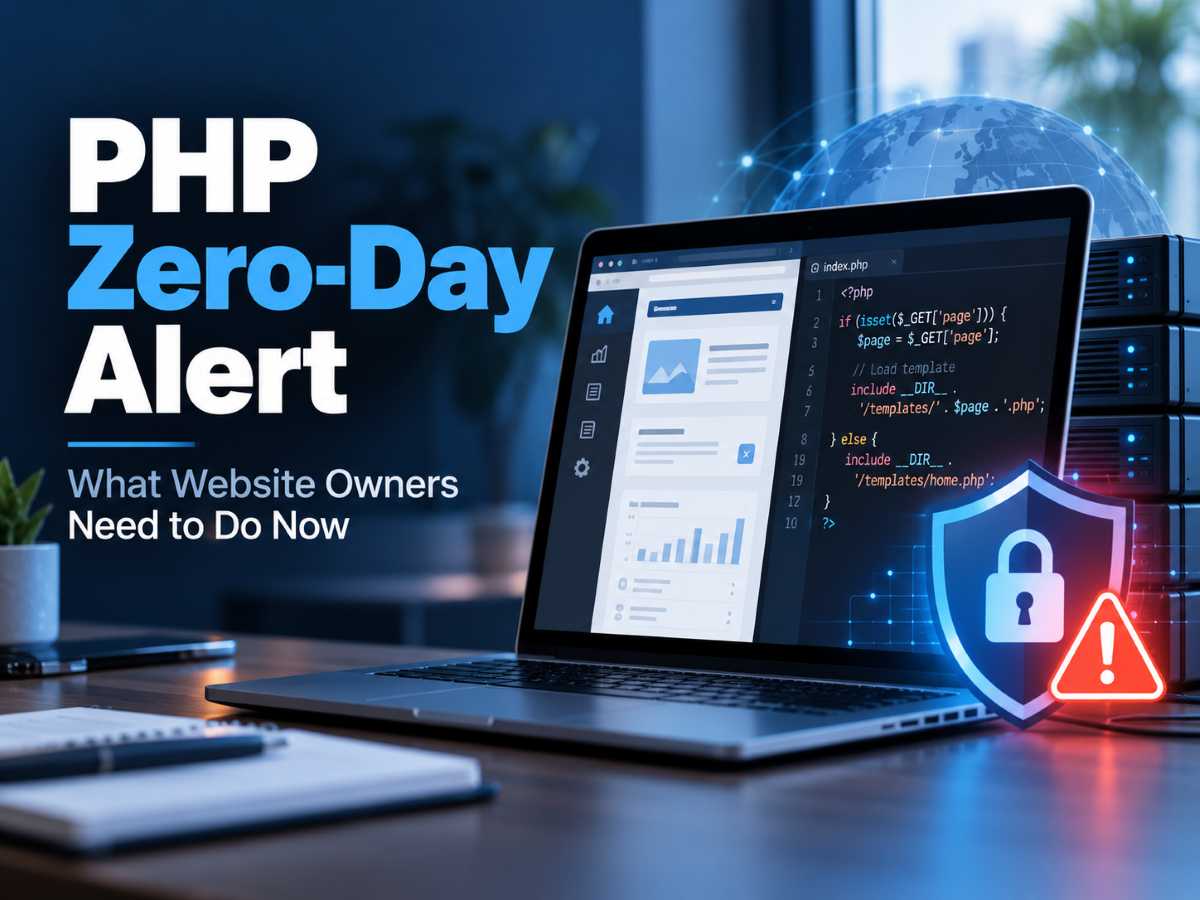
If you run your own business website, manage WordPress sites, or build websites for clients, there is a new PHP security issue that deserves your immediate attention.
On October 21, 2026, the PHP development team released emergency security updates addressing two critical vulnerabilities: CVE-2026-109618 and CVE-2026-109619. The vulnerabilities are being referred to collectively as PHP2Shell.
Both vulnerabilities carry a CVSS severity rating of 9.2 out of 10 and can potentially allow an attacker to execute code on a vulnerable web server without first logging in.
This isn’t simply another WordPress plugin vulnerability.
The vulnerability exists in PHP itself, which means websites built with WordPress, WooCommerce, Laravel, Drupal, Joomla, custom PHP applications, and many other platforms may be affected.
And if you’re thinking, “My hosting company handles PHP, so I probably don’t need to worry about this,” you should still verify that your server has actually been patched.
What Is PHP2Shell?
PHP2Shell is the name being used for two related vulnerabilities in the PHP engine:
CVE-2026-109618 involves PHP’s handling of out-of-memory conditions. Under certain circumstances, PHP can be interrupted while internal information is only partially initialized. That can result in corrupted memory being treated as valid information.
CVE-2026-109619 involves internal PHP information remaining available after the memory containing it has already been released. A later web request handled by the same PHP process can potentially interact with that stale information.
You don’t need to understand PHP memory management to understand the important part:
An attacker may be able to send a specially crafted request to a vulnerable website and execute code on the web server without having a username or password.
PHP confirmed remote code execution against Apache environments using mod_php and also confirmed vulnerable attack paths involving PHP-FPM. PHP therefore considers essentially all PHP installations serving web requests to be at risk and recommends updating immediately.
Why This Vulnerability Is Especially Serious
Many website vulnerabilities require something else to go wrong first.
Maybe an attacker needs a WordPress account.
Maybe you need to be running a specific plugin.
Maybe the attacker needs administrator access.
PHP2Shell is different.
The vulnerability exists underneath your content management system at the PHP runtime level. That means updating WordPress, changing your WordPress password, enabling two-factor authentication, or updating your plugins does not patch this vulnerability.
The server’s PHP installation needs to be updated.
The PHP team specifically states that there is no complete mitigation other than installing the security update.
That makes PHP2Shell especially important for small businesses, freelancers, web designers, and agencies that manage websites but don’t necessarily think of themselves as server administrators.
Is PHP2Shell Really a Zero-Day?
There is now strong evidence that attackers were attempting to exploit the vulnerabilities before they were publicly disclosed.
Amazon Threat Intelligence says its MadPot honeypot infrastructure recorded a PHP2Shell exploitation attempt on October 17, 2026.
The vulnerabilities weren’t publicly disclosed and patched until October 21.
AWS also reported additional exploitation attempts before the official release and says PHP2Shell is now being broadly exploited in the wild.
That significantly increases the urgency around patching.
This isn’t a theoretical vulnerability where website owners have weeks or months to figure out what to do.
Attackers are already looking for vulnerable servers.
Which PHP Versions Are Patched?
The PHP project released the following patched versions on October 21:
| PHP Branch | Patched Version |
|---|---|
| PHP 8.5 | 8.5.12 |
| PHP 8.4 | 8.4.27 |
| PHP 8.3 | 8.3.36 |
| PHP 8.2 | 8.2.35 |
If your website is using one of these PHP branches, you want to be running at least the patched version listed above.
PHP 8.1 and older versions are no longer receiving normal security releases from the PHP project. However, some Linux distributions, hosting companies, cPanel environments, and extended-support vendors may provide backported security fixes for older PHP versions.
Because of that, don’t automatically assume that a PHP version is vulnerable simply because its visible version number hasn’t changed.
Instead, ask your hosting provider whether your PHP package includes the fixes for CVE-2026-109618 and CVE-2026-109619.
WordPress Users: Updating WordPress Isn’t Enough
This point is worth repeating.
If you use WordPress, this is not a WordPress vulnerability.
WordPress runs on top of PHP.
Think of WordPress as the application and PHP as part of the engine underneath the application. Updating the application doesn’t replace the engine.
You could have:
- The latest version of WordPress
- Every plugin fully updated
- Every theme fully updated
- Two-factor authentication enabled
- A WordPress security plugin installed
…and still have a server vulnerable to PHP2Shell if the underlying PHP installation hasn’t been patched.
WordPress itself recommends keeping PHP updated because PHP versions and configuration are handled at the hosting/server level.
How WordPress Users Can Check Their PHP Version
WordPress makes it fairly easy to see which PHP version your website is currently using.
From your WordPress Dashboard, go to:
Tools → Site Health → Info → Server
Expand the Server section and look for your PHP version.
WordPress’s Site Health area provides information about your server configuration, including PHP.
You can also usually find PHP information inside your hosting control panel.
Depending on your hosting provider, look for sections named something like:
PHP Manager, PHP Configuration, MultiPHP Manager, Server Information, or Advanced Settings.
What Should Website Owners Do Right Now?
If you manage your own websites—or client websites—I’d recommend treating this as a priority security update.
- Identify every website you manage that uses PHP. Don’t only check WordPress. WooCommerce stores, Laravel applications, Joomla, Drupal, membership sites, landing-page systems, and custom PHP applications should all be reviewed.
- Check the PHP version currently serving each website. For WordPress, start with Tools → Site Health → Info → Server.
- Upgrade to a patched PHP release. For supported upstream PHP branches, that means PHP 8.2.35, 8.3.36, 8.4.27, or 8.5.12 or newer.
- If your hosting provider manages PHP, contact them. Specifically ask whether their servers have been patched against CVE-2026-109618 and CVE-2026-109619.
- Don’t rely only on the PHP version number with managed hosting. Your provider may have applied a backported patch without changing the major version that appears inside your control panel.
- Restart PHP services where applicable. If you manage your own VPS or dedicated server, follow your operating system or hosting vendor’s update instructions and make sure the updated PHP workers are actually running.
- Test your website after upgrading. Check forms, checkout pages, WordPress admin functions, plugins, payment gateways, integrations, and other business-critical features.
- Review your website for unusual activity. Because exploitation began before public disclosure, updating removes the vulnerability but doesn’t tell you whether someone accessed an already-vulnerable server before it was patched.
If You Build Websites for Clients, This Should Be on Your Checklist
PHP2Shell is also a good reminder that maintaining a website involves more than updating WordPress plugins.
If you build websites for other businesses, consider adding PHP and hosting-platform patching to your normal maintenance process.
For each client, you should know:
Who manages PHP?
Is it you, the hosting provider, a managed WordPress provider, or someone managing the underlying VPS?
Which PHP version is the site running?
Don’t wait until a major vulnerability appears to find out.
Who receives security notifications from the hosting company?
If those alerts are going to an old email address or directly to a client who doesn’t understand them, critical notifications can easily be missed.
Are backups actually working?
Backups should exist somewhere other than the same web server they’re protecting.
Are old websites still sitting online?
An abandoned staging site, old WordPress installation, or forgotten client development site can be just as vulnerable as the main production website.
Managed Hosting Doesn’t Mean You Should Ignore Security Alerts
If you use companies like Hostinger, GoDaddy, SiteGround, WP Engine, Cloudways, Kinsta, Pressable, or another managed hosting provider, they may handle this PHP update for you.
That’s one of the major benefits of managed hosting.
But “the host probably patched it” isn’t the same thing as knowing you’re protected.
Check your provider’s security announcements or support documentation. If you can’t find a clear answer, open a support request and ask:
“Can you confirm that the PHP environment hosting my website has been patched against CVE-2026-109618 and CVE-2026-109619?”
That’s a much better question than simply asking whether your PHP version is current.
Don’t Forget About Old PHP Versions
Another concern exposed by PHP2Shell is how many business websites continue running PHP versions that reached end-of-life years ago.
Sometimes that’s because an old WordPress plugin doesn’t support newer PHP releases.
Sometimes it’s because a custom application hasn’t been updated.
And sometimes nobody has checked the PHP version since the website was created.
PHP2Shell is another reason businesses should have a plan for moving away from unsupported software.
If upgrading PHP breaks an application, the long-term solution usually isn’t to keep running an outdated PHP release indefinitely. The application, plugin, theme, or custom code creating the compatibility problem should be updated or replaced.
The Bigger Lesson for Small Business Website Owners
You don’t need to become a cybersecurity expert just because you run a website.
But if your website is an important part of your business, you should know who is responsible for each layer of it.
Your website isn’t just WordPress.
There is WordPress itself, your plugins, your theme, PHP, the web server, the operating system, the hosting environment, DNS, SSL certificates, databases, backups, and potentially services such as Cloudflare.
PHP2Shell demonstrates why that distinction matters.
You can keep WordPress perfectly updated while still having a serious vulnerability sitting one layer underneath it.
For most small businesses, the best approach is relatively simple:
Use reputable hosting, keep PHP on a supported version, maintain reliable backups, install security updates promptly, and make sure someone is actually responsible for monitoring the infrastructure behind your website.
For PHP2Shell specifically, however, don’t put this update on your “I’ll get to it eventually” list.
Check your PHP environment and confirm that it has been patched.